One of the most common questions from new clients: "How do you actually deliver within 24 hours?" The honest answer involves time zone math, an optimized review process, and clear expectations about what we need from you, and when.
This article is a transparent look inside our turnaround workflow — including where the time goes and what you can do to get your cases back faster.
How 24-Hour Turnaround Actually Works
Our studio operates on Vietnam Standard Time (GMT+7). This means that when a lab in Los Angeles closes at 5PM PST, it's already 8AM in Ho Chi Minh City the following morning — our design team is fully active and reviewing incoming cases.
Here's the breakdown of where your 24-hour window is spent:
| Stage | Time Required | Notes |
|---|---|---|
| Case intake & review | 15–30 min | Check scan quality, case notes, missing info |
| Design (crown/bridge) | 30–90 min | Depends on complexity and units |
| Design (implant abutment) | 60–120 min | Library match + custom profile |
| Internal QA check | 15–30 min | Contact, margin, minimum thickness review |
| File packaging & upload | 10 min | STL + design notes + screenshots |
| Bottleneck (clarification wait) | 2–8 hours | If info is missing, we must wait for your reply |
Key insight: The single largest source of turnaround delay is waiting for clarification on incomplete case notes. A thorough submission form eliminates this entirely.
The Time Zone Advantage
For labs in the US, Australia, Canada, and Western Europe, our GMT+7 timezone creates a natural 24-hour production cycle:
- US East Coast labs — send cases by 6PM EST → receive by 8AM EST (14h window; we often deliver sooner)
- US West Coast labs — send by 9PM PST → receive by 6AM PST
- Australian labs — send by 3PM AEST → receive same business day by EOD
- European labs — send by 5PM CET → receive by 8AM CET
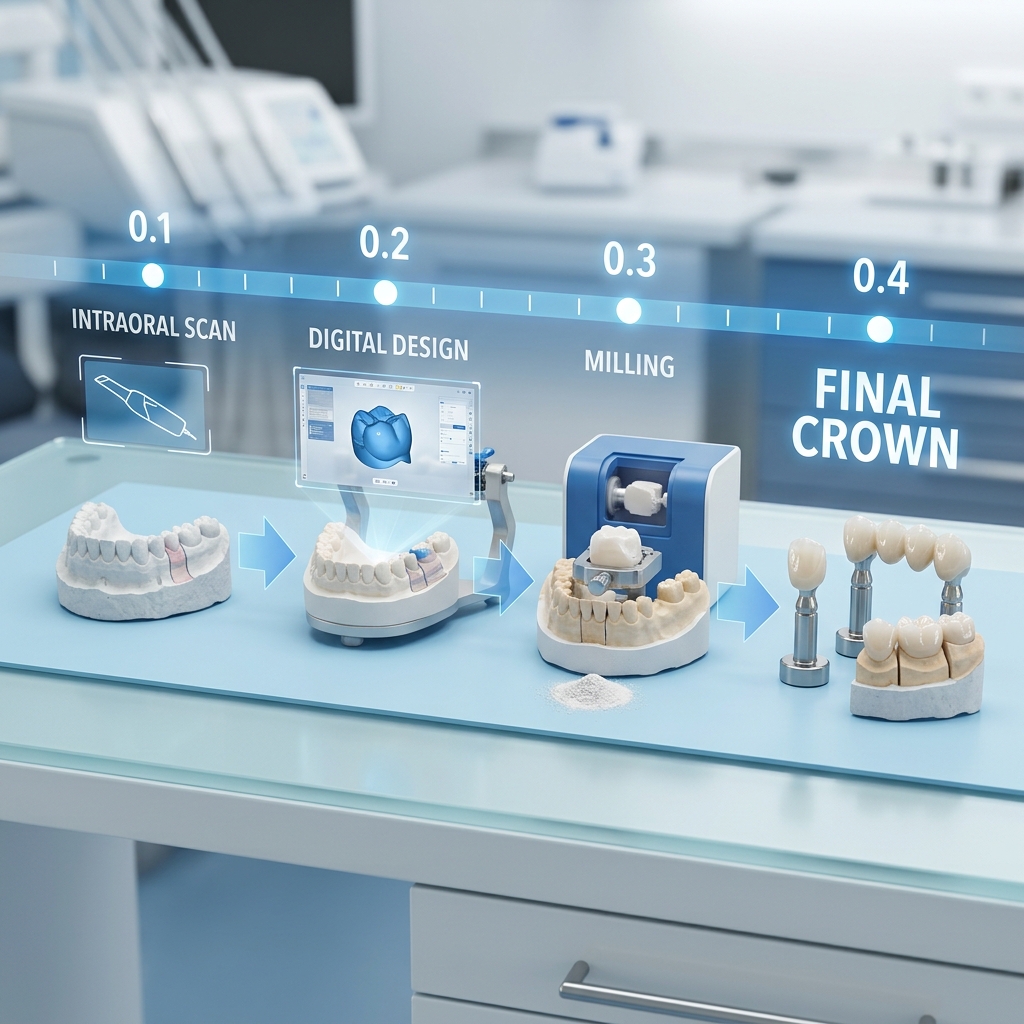
Multiple cases at different design stages — how our team manages concurrent production
What You Can Do to Get Cases Back Faster
- Submit complete cases — all scans, bite registration, and case notes in one submission
- Use our standard case form — it prompts for every data point we need
- Label your files clearly: prep.stl, opposing.stl, bite.stl
- Include your phone/WhatsApp number for urgent cases (we will contact you directly)
- For implant cases: always include scan body reference number
- Specify your material first — it determines design parameters immediately
Rush case coming in?
WhatsApp us directly before you submit for rush cases — we'll confirm availability and slot you in immediately.
Rush Lane: How to Get Cases in Under 12 Hours
For genuinely urgent cases — same-day patient appointments, lab emergencies, or chair-side temporaries — we offer a Rush Lane service for an additional fee:
- Guaranteed design start within 1 hour of submission
- Delivery within 6–12 hours
- Direct WhatsApp communication with your assigned designer throughout
- Priority over standard queue cases
To access Rush Lane, contact us via WhatsApp before submitting. We'll confirm availability and provide a dedicated submission link.
Realistic Limits: What We Can't Rush
Full-arch cases (All-on-X, complete arch implant bridges) cannot reliably be delivered in under 24 hours without compromising quality. These cases require:
- Extended review of CBCT/DICOM data
- VDO verification and prosthetic planning discussion
- Multiple internal reviews before delivery
For full-arch cases we request clients allow 24–48 hours. Cases that require this level of planning and produce a wax try-in first will always have better outcomes than cases rushed to final design.