We use both Exocad and 3Shape every week. This isn't a theoretical comparison — it's based on years of daily production design work, thousands of cases, and a clear-eyed assessment of where each platform excels. Here's our honest verdict.
Background: Two Leaders, Different Philosophies
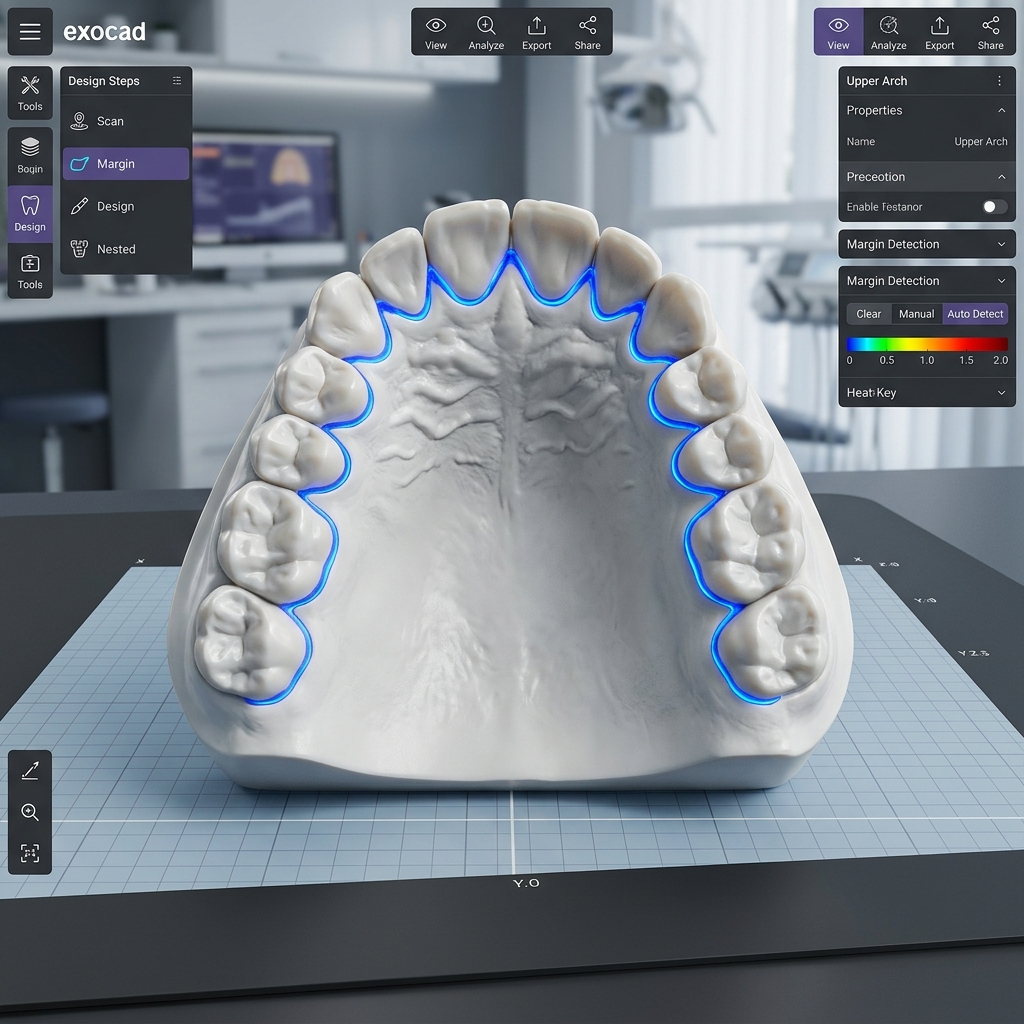
Exocad DentalCAD is the open-platform champion. It works with any scanner, any mill, any workflow — the open-source philosophy has made it the most widely adopted dental CAD software globally. Known for its modular add-on system, speed, and customizability.
3Shape Dental System is the integrated ecosystem. It pairs exceptionally well with 3Shape's own scanners (TRIOS) and works within the 3Shape Unite platform for seamless lab-clinic communication. Known for its polished UI and powerful full-arch planning tools.
Restorative Crown & Bridge: Exocad Wins
| Feature | Exocad | 3Shape |
|---|---|---|
| Speed (single crown) | ⭐⭐⭐⭐⭐ | ⭐⭐⭐⭐ |
| Anatomy library quality | ⭐⭐⭐⭐ | ⭐⭐⭐⭐⭐ |
| Contact adjustment tools | ⭐⭐⭐⭐⭐ | ⭐⭐⭐⭐ |
| Open file compatibility | ⭐⭐⭐⭐⭐ | ⭐⭐⭐ |
| Bridge pontic design | ⭐⭐⭐⭐ | ⭐⭐⭐⭐ |
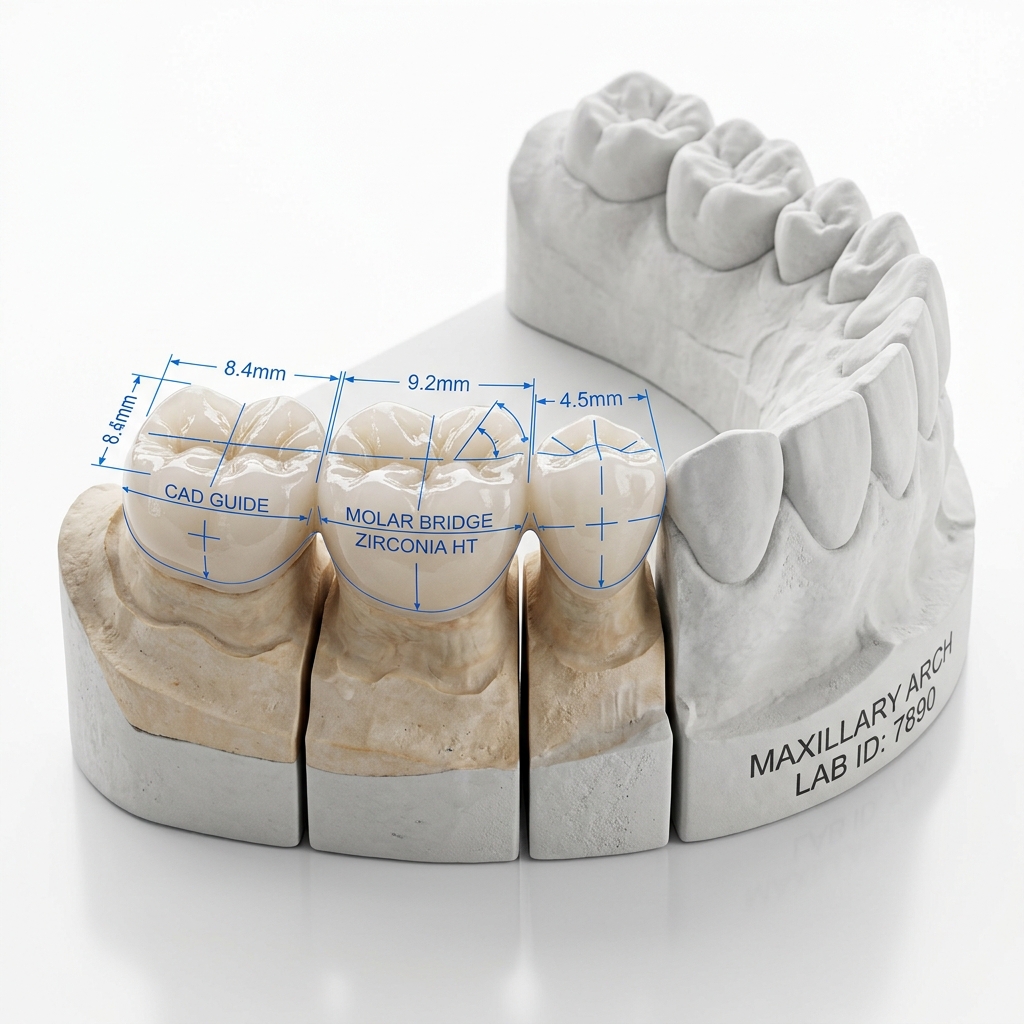
For standard crown and bridge work, Exocad's speed advantage is significant. An experienced designer completes a standard crown in Exocad approximately 20–25% faster than the equivalent 3Shape workflow. At production volume, this matters.
Our studio preference: We default to Exocad for all restorative cases unless the client specifies a 3Shape output format or their workflow requires Unite platform integration.
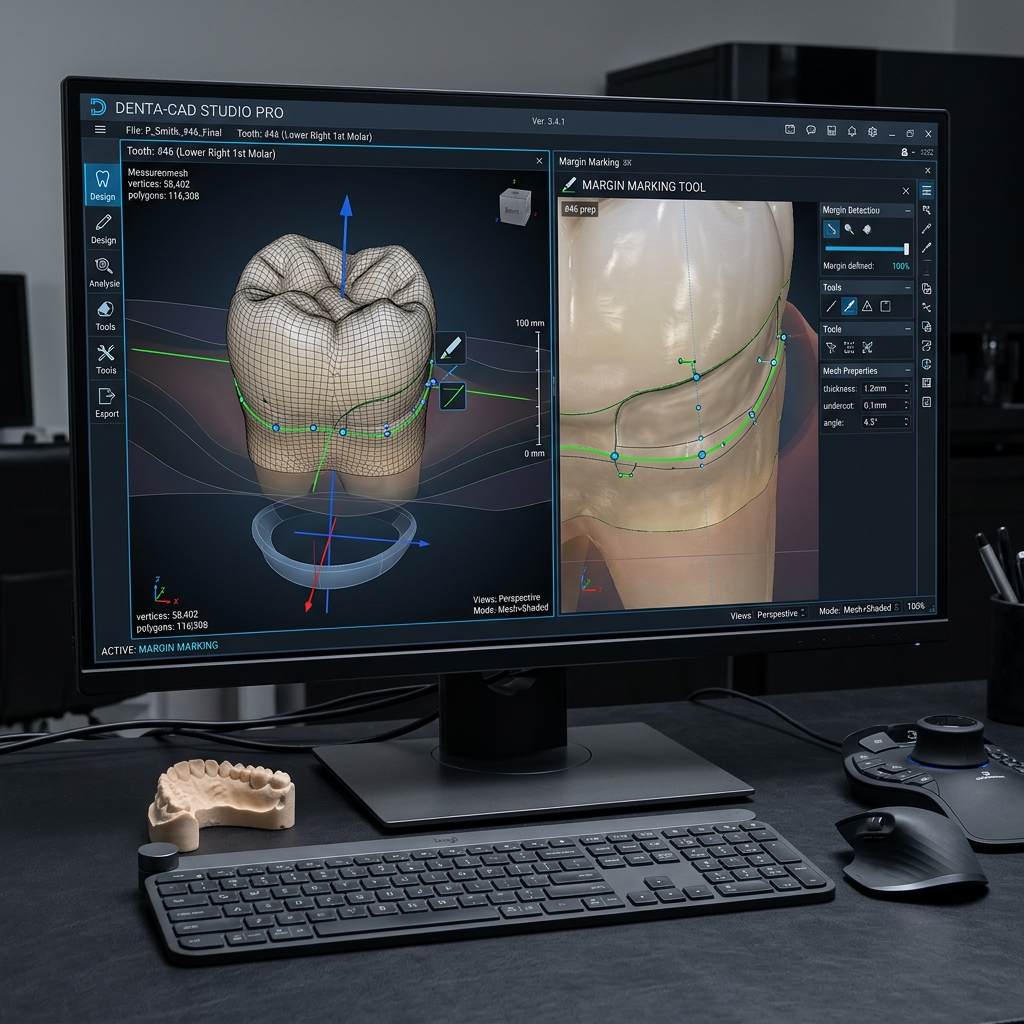
3D dental model visible in professional CAD design interface — similar to Exocad's articulation view
Implant Design: Effectively Equal
Both platforms maintain extensive implant libraries and support custom abutment design with scan body referencing. The key differentiators:
- Exocad ImplantStudio: Excellent for custom abutments; library updated frequently; screw channel correction tools are intuitive
- 3Shape Implant Studio: Superior guided surgery integration; better when the clinician uses a 3Shape-compatible surgical guide workflow
If your implant workflow involves surgical guides, 3Shape's integrated guided surgery planning has a meaningful clinical advantage. For standalone abutment design without guide planning, Exocad is equivalent or faster.
Full-Arch: 3Shape Edges Ahead
For All-on-X and full-arch implant cases, 3Shape's prosthetic planning tools are more sophisticated. The built-in articulation simulation, VDO analysis, and phonetics assessment tools give it an edge in complex cases. 3Shape's bar design module is also more mature.
Exocad handles full-arch cases competently through its SmileComposer and full denture modules, but for multi-implant full-arch planning with guided surgery integration, 3Shape's ecosystem advantage becomes significant.
We design in both platforms
Submit your case in any format — we deliver Exocad and 3Shape compatible outputs.
Smile Design: Exocad SmileComposer vs. 3Shape Smile Design
| Capability | Exocad SmileComposer | 3Shape Smile Design |
|---|---|---|
| Photo-to-3D alignment | Good | Excellent |
| Patient communication output | Good | Very good |
| Integration with restorative | Seamless | Seamless |
| Learning curve | Low | Medium |
Our Verdict
- Crown & Bridge (high volume): Exocad — faster, more cost-efficient, open-format
- Implant abutments: Exocad — comparable quality, faster workflow
- Full-arch with guided surgery: 3Shape — superior integrated planning
- Anterior esthetics / smile design: 3Shape has a slight edge for complex cases; Exocad adequate for standard cases
The best answer is: use whichever your scanner or clinical workflow is most compatible with, and let your outsource studio handle the platform-specific execution. That's exactly why we maintain proficiency in both.