The question every dental lab owner eventually asks: "Should I train someone in CAD or outsource it?" For most labs doing under 250 units/month, the ROI calculation strongly favors outsourcing. Here's the math, transparent and complete.
The Real Cost of an In-House CAD Operation
| Cost Component | Annual Estimate (USD) |
|---|---|
| CAD operator salary | $42,000–$58,000 |
| Exocad/3Shape license | $4,500–$9,000 |
| Scanner amortized | $3,000–$8,000 |
| Training & onboarding | $2,000–$5,000 |
| Revision/rework cost | $3,000–$8,000 |
| IT & workstation | $1,500–$3,000 |
| Total (conservative) | $56,000–$91,000/yr |
At 200 units/month (2,400/yr), this translates to a per-unit CAD cost of $23–$38.
Benchmark: Most US labs we work with spend $22–$41 per unit fully-loaded. Remote CAD lands at $5–$20 depending on complexity.
Remote CAD: What You Actually Pay
- $5/unit — crowns, inlays, onlays
- $6–$15/unit — veneers, layered zirconia
- $6–$20/unit — implant abutments
- $50–$70/case — full-arch
No license fees. No sick days. No turnover. At 200 units/month, annual outsourcing cost ≈ $12,000–$14,000 vs $60,000+ in-house.
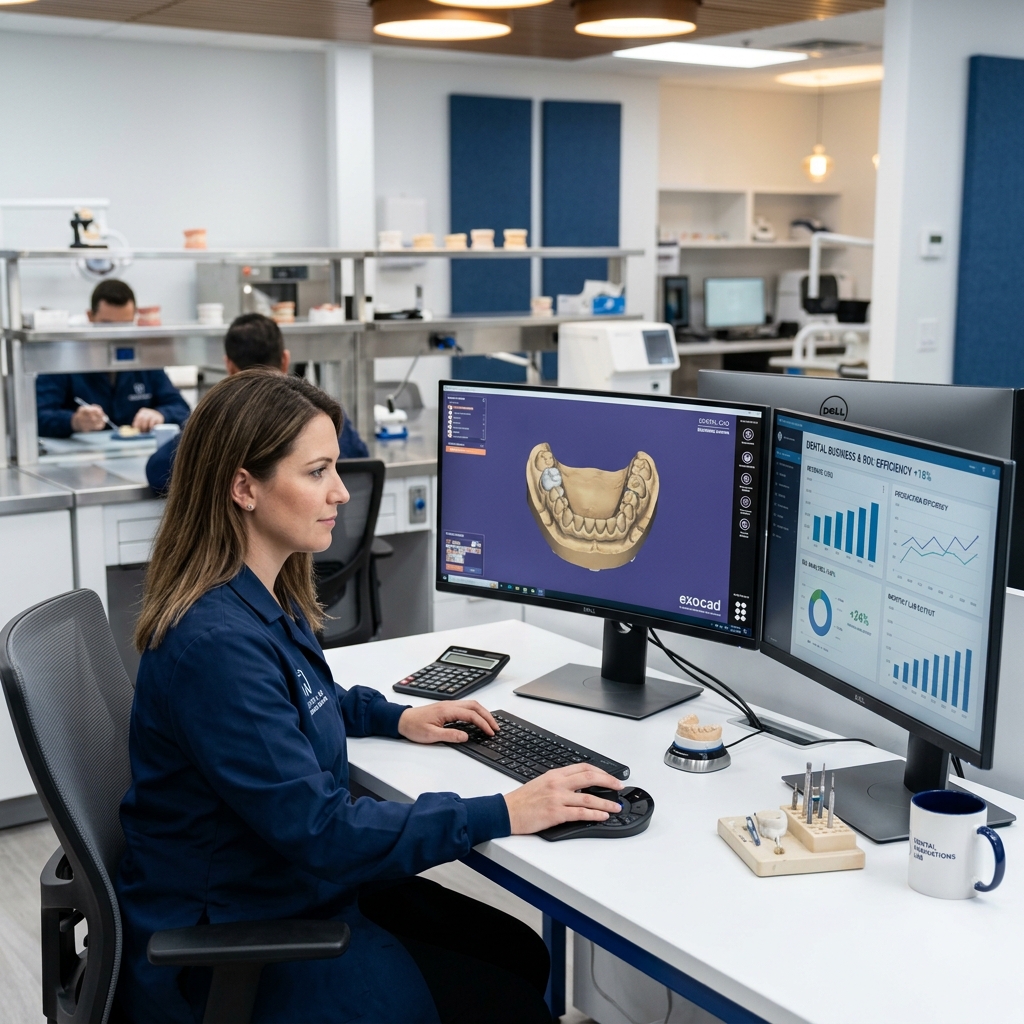
In-house CAD investment goes far beyond the software license
ROI Framework for Your Lab
| Variable | Example (200 units/mo) |
|---|---|
| In-house cost/unit (fully loaded) | $28 |
| Remote CAD cost/unit | $8 |
| Monthly savings | $4,000 |
| Annual savings | $48,000 |
Test before committing
Send 3 complimentary test cases — no payment required. See the quality and turnaround yourself.
Hidden Benefits Beyond Unit Cost
- Scalability: Double your output during rush periods — no overtime required
- Time zone advantage: Cases sent end-of-US-day → returned next morning (GMT+7)
- Specialist access: Implant and smile design experts on demand
- No turnover risk: Eliminating your single in-house point of failure
When In-House CAD Still Makes Sense
- Volume consistently exceeds 400–500 units/month
- Proprietary design protocols require strict internal control
- Regulatory environment requires physical signature on design files
- Sub-4-hour same-day turnaround needed throughout the business day
How to Start Outsourcing Without Disruption
- Start with overflow cases when in-house designer is overloaded
- Test with one case type (crown/bridge is easiest)
- Standardize your submission format — consistent file naming eliminates delays
- Track per-unit metrics before and after the transition
The best outsourcing relationships begin with 3 test cases. See the quality. See the turnaround. Scale from there.