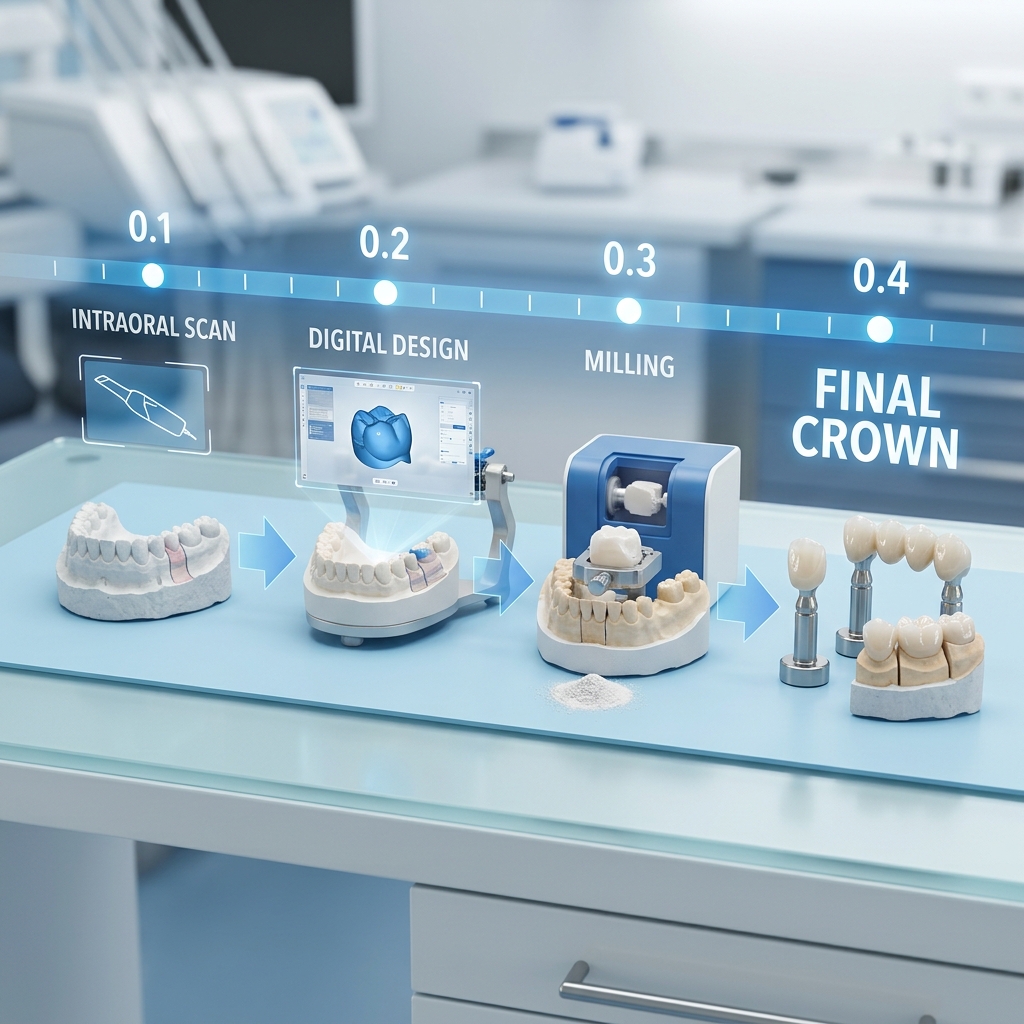
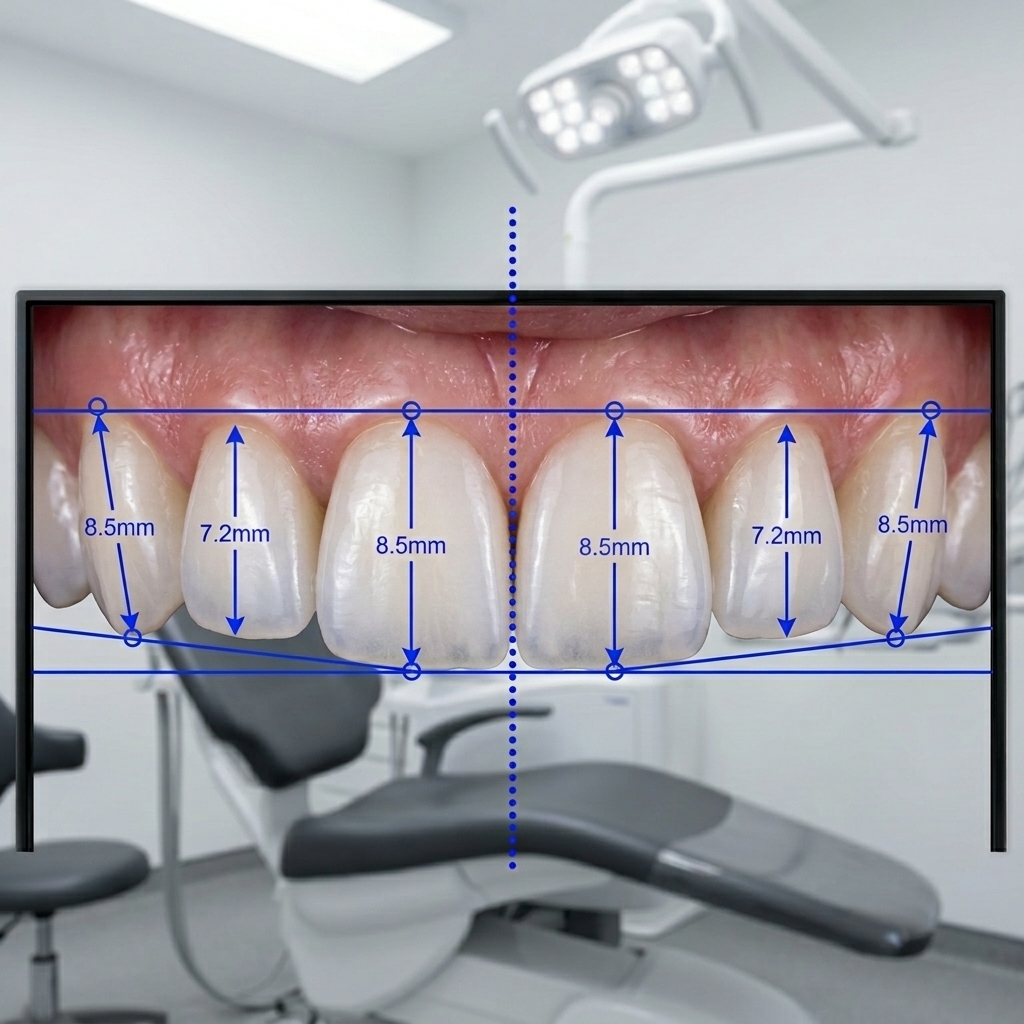
In our studio, the number one cause of case delays is not design complexity — it is poor scan submission quality. Across all incoming cases, approximately 1 in 5 requires clarification or a rescan before design can begin.
Every delay costs valuable chair time, disrupts your workflow, and creates unnecessary back-and-forth — all of which can be avoided with proper scan protocols.
This is our definitive 12-point QA checklist for STL file submission. Use it as a standard for every case you send.
Why This Matters More Than You Think
A scan file that meets all 12 criteria will:
- Allow immediate design start — no clarification needed
- Produce more accurate restorations with tighter margins
- Reduce chairside adjustments and remakes
- Save time for both your clinic and our lab
- Reflect a higher level of clinical precision and professionalism
Insight: Cases with clean, complete scans are delivered on average 3.2 hours faster — even when design complexity is identical.
Group 1: Arch Completeness (Items 1–4)
- Prep arch captured to the distal of the last molar — not cropped at the premolar
- Opposing arch fully captured bilaterally — posterior teeth must be present for occlusal reference
- Buccal bite registration at MIP (maximum intercuspation) recorded for proper alignment
- For edentulous cases: record bases or alternative occlusal references provided
Group 2: Margin & Prep Quality (Items 5–8)
- Preparation margin fully visible — no soft tissue overlap at the finish line
- No scan artifacts (voids or “stars”) at the margin — rescan if present
- Margin clearly distinguishable from surrounding enamel (clear shoulder or chamfer)
- Adjacent teeth fully captured — contact areas must be clearly scannable
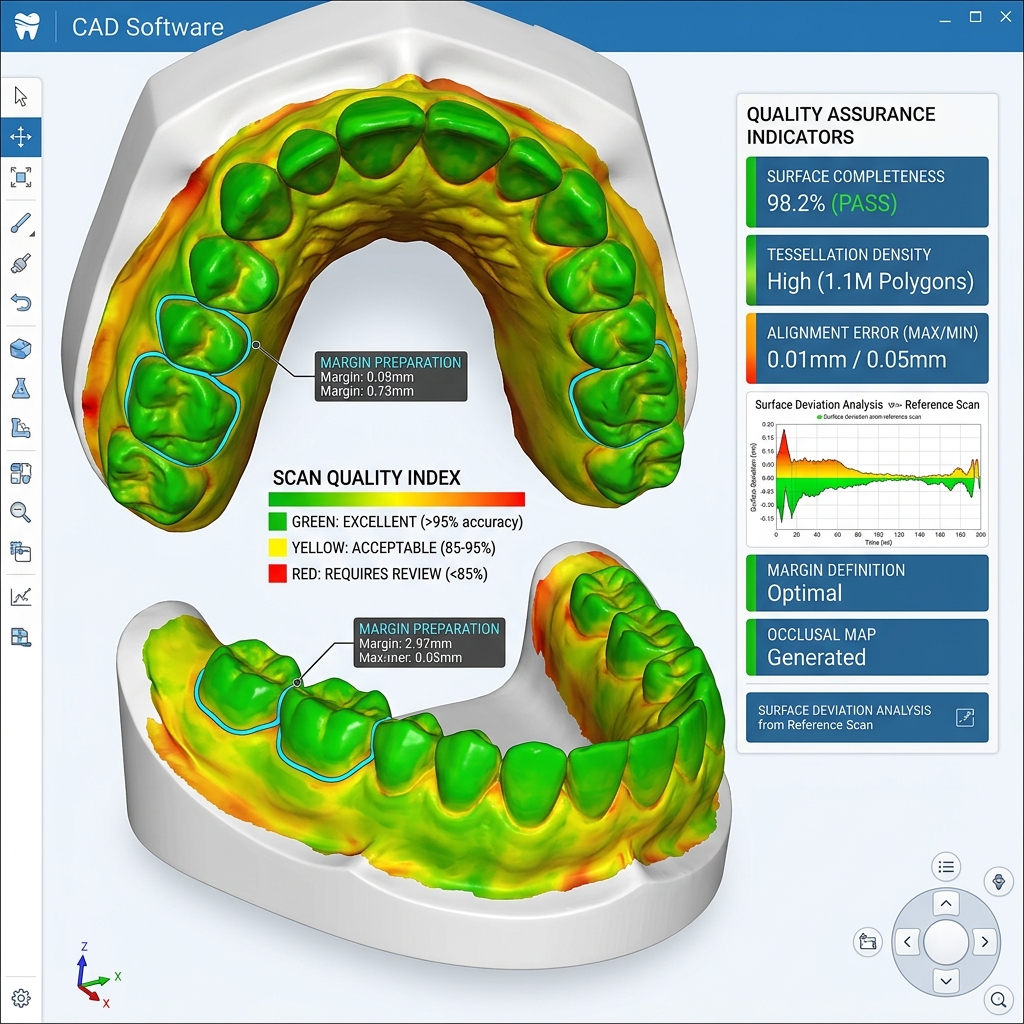
Scan quality heat map analysis: green = ideal, yellow = borderline, red = requires rescan
Group 3: File & Naming (Items 9–12)
- Files named clearly (e.g., prep.stl, upper.stl, lower.stl, bite.stl) — avoid generic names like "scan1.stl"
- Only one scan per arch — do not submit multiple overlapping scans of the same arch
- File format confirmed: STL or PLY accepted; DICOM only for CBCT or implant planning
- Case information completed: tooth number, material, shade, restoration type, contact preferences
Implant Case Additions (Items 13–16)
For implant-supported restorations, the 12-point checklist above applies, plus:
- Scan body fully captured 360° — no soft tissue or geometry obstruction
- Implant system specified: manufacturer, system name, platform diameter (e.g., Straumann BL 4.1)
- Scan body reference number provided — not just brand name
- CBCT/DICOM included for angulated implants or guided surgery planning
Final Note
A submission that meets all 12 criteria (or 16 for implant cases) is a case we can design immediately — without interruption.
That translates to faster turnaround, fewer revisions, and more predictable clinical outcomes.
High-quality input always leads to high-quality results.